Which controller should you buy in 2026?
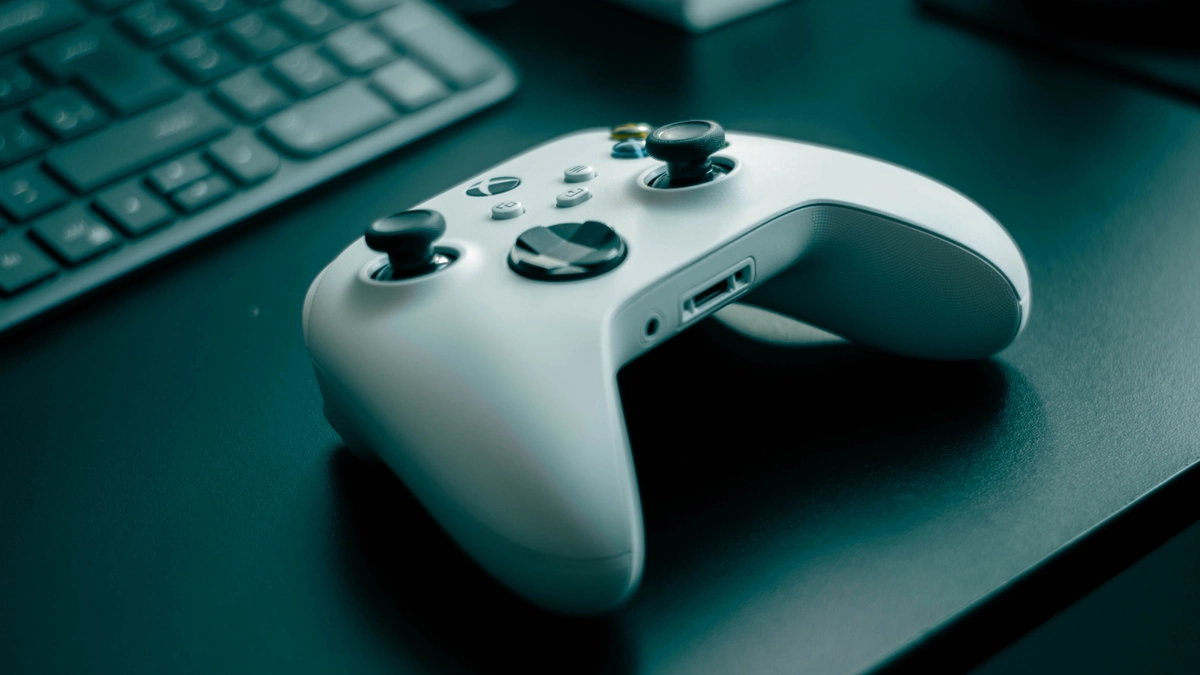
There’s no “best” controller in the abstract: there’s the one that fits your machine and how you play. This guide is for a quick 2026 decision (couch, PC, handheld, or a bit of everything). Prices are ballpark: check them the day you buy; sales move a lot.
How to choose (before chasing brands)
- Main platform: on PS5 and Xbox, the first-party pad is usually the safest bet (exclusive features, fewer headaches). I’d get that at least as your primary (friends can take the cheap one, but you didn’t hear it from me).
- PC: Windows loves the Xbox pad (Microsoft owns both); still, the DualSense works great on PC and Steam Deck.
- Drift and durability: if you can, prefer Hall effect or TMR sticks: they wear better and cut down on dreaded drift (more on that below).
- Pro vs standard: “pro” pads usually add rear paddles and remaps. Worth it if you play a lot of competitive; if not, save the money.
The dreaded drift
Drift is when analog sticks misbehave from wear (those “mushroom” sticks you never stop moving). It’s been around since PlayStation popularized them, but the last few years it’s been much more noticeable (and talked about).
When a pad has it, you usually end up replacing the part (OEM or third-party). The internet is full of DIY fixes of dubious merit. You’ll notice if the character or camera drifts on its own, aiming feels mushy, or some stick zones don’t register.
Switch 1 Joy-Con were especially prone and put the issue in the spotlight. Magnetic tech like Hall effect or TMR reduces it over the long run.
Controllers worth buying
Swipe to compare photo and card for each pick (ballpark prices).
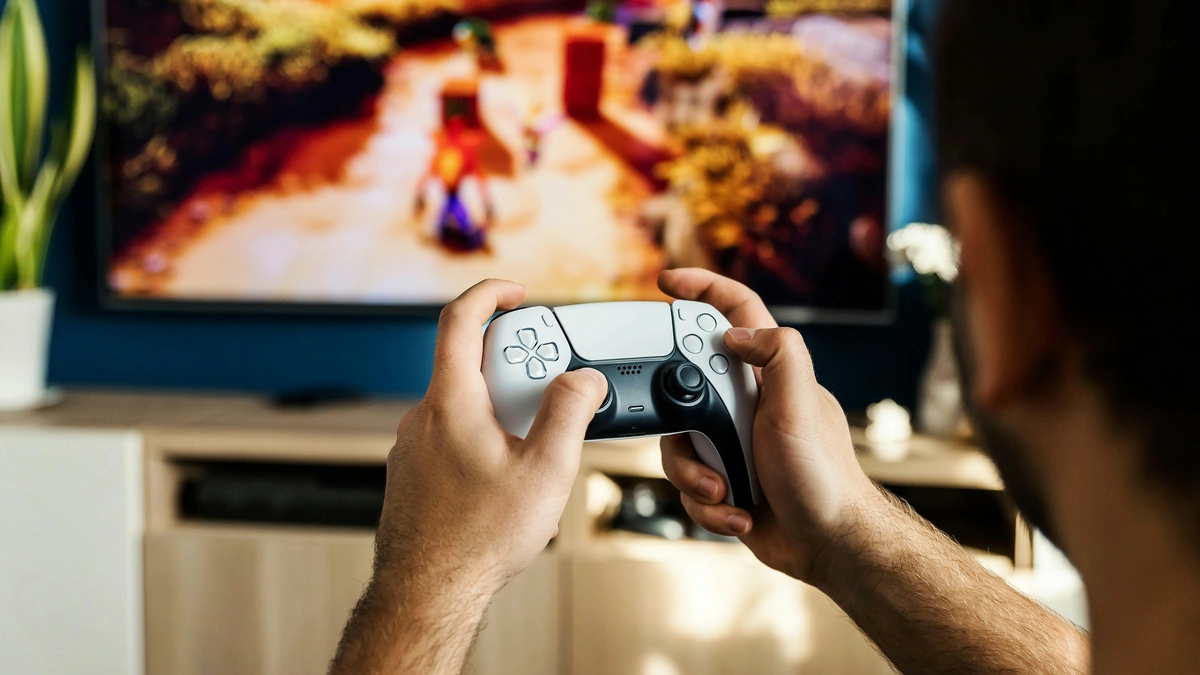
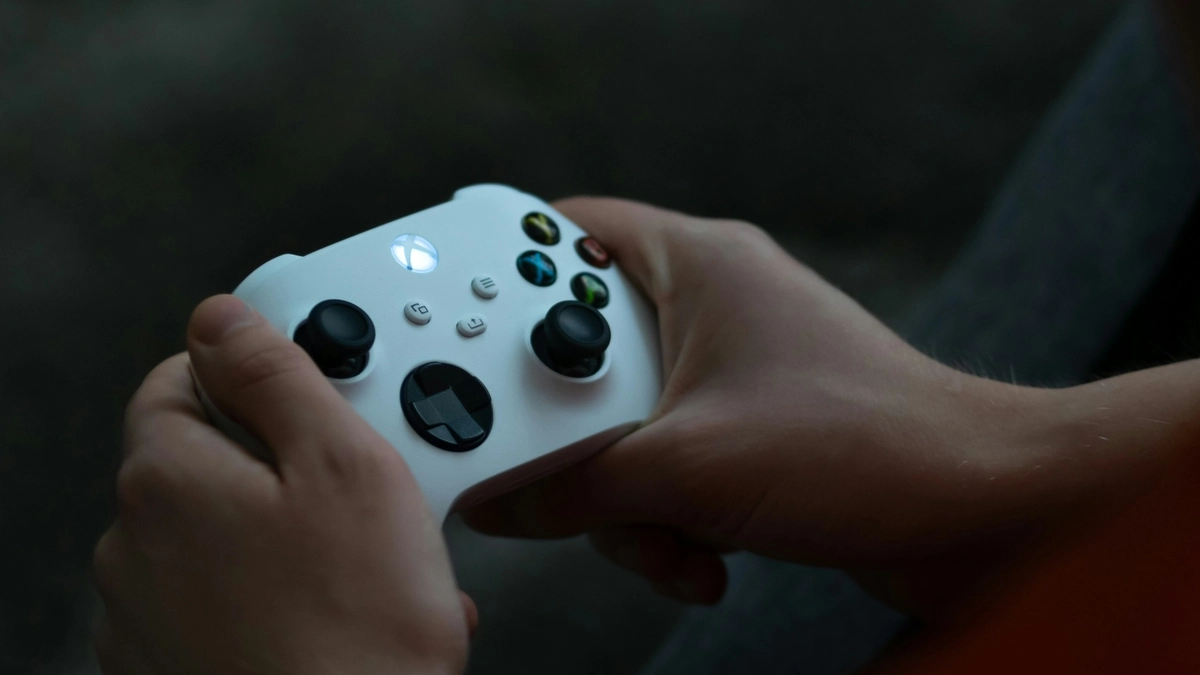
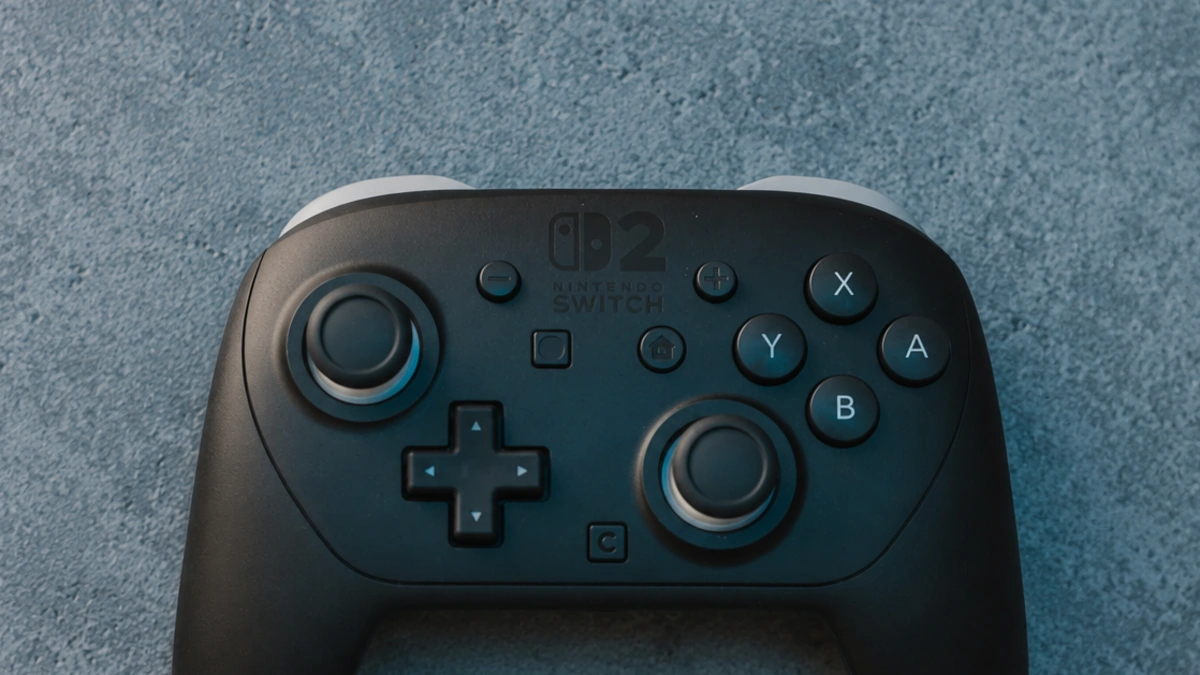
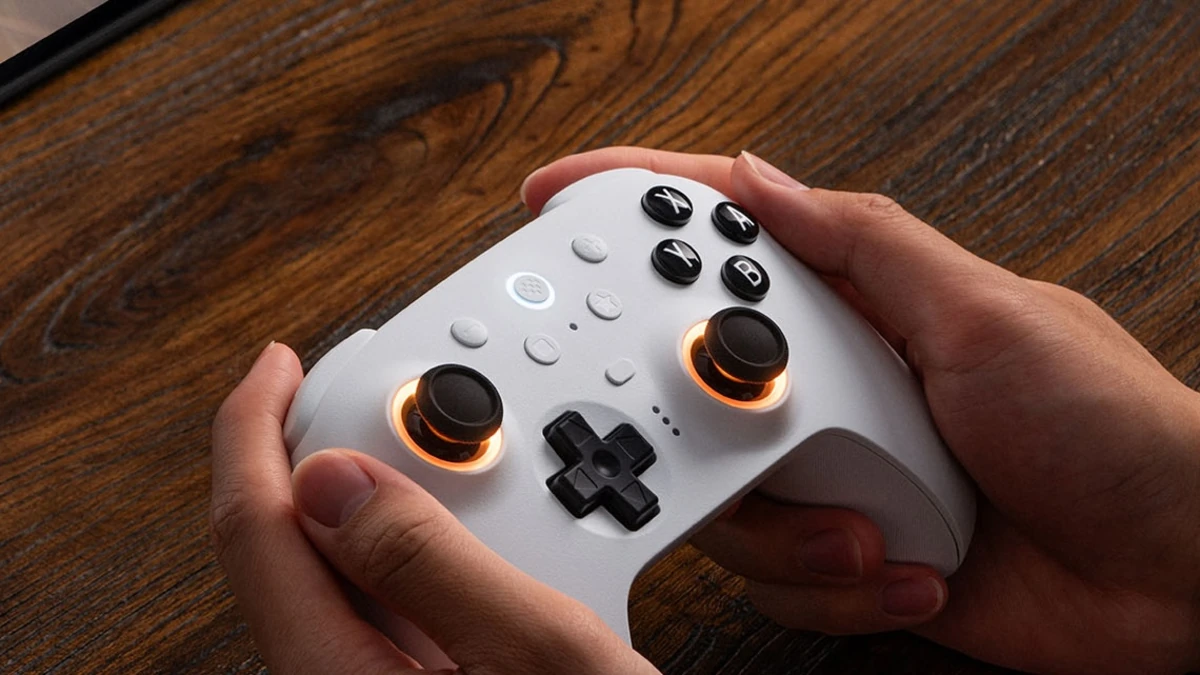
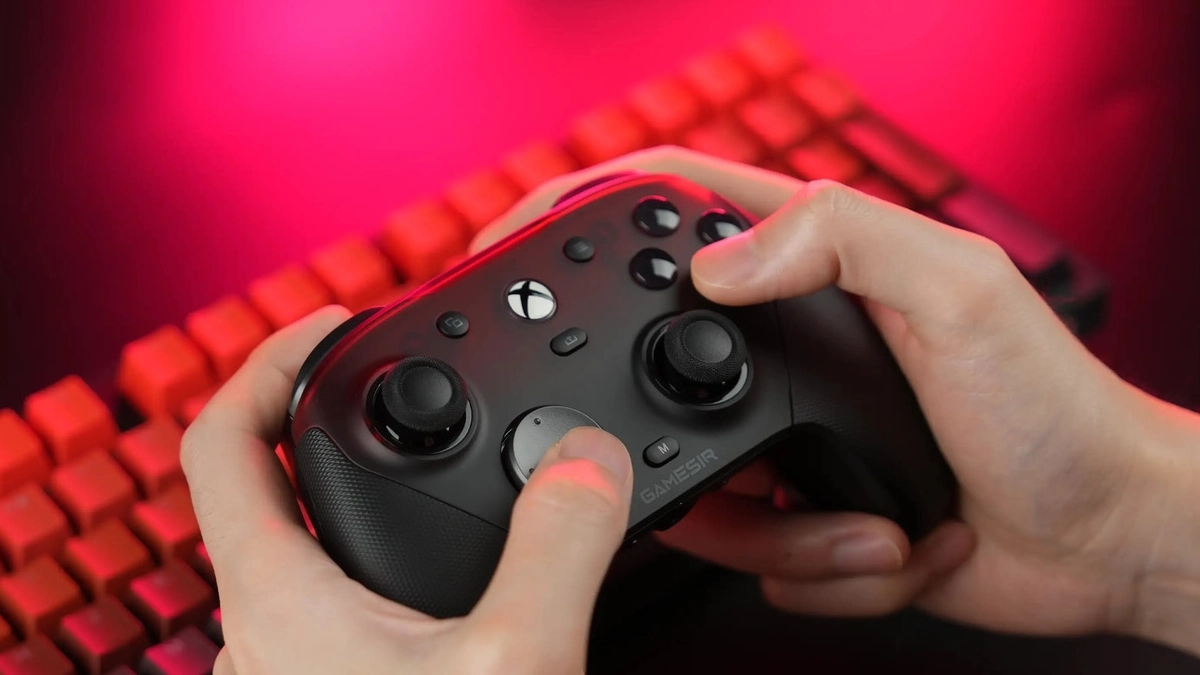
Multi-platform brands like 8BitDo, GameSir, or HORI ship tons of models and price tiers. The two above are strong value picks; before you pay, confirm on the product page which consoles or PCs that exact variant supports.
What to buy for your case
| Situation | Controller |
|---|---|
| PS5 / immersion only | DualSense (Edge if you’re all-in) |
| Xbox or Windows PC only | Xbox Wireless (Elite 2 if you play competitive) |
| Switch / Switch 2 on the couch | Official Pro (or 8BitDo) |
| Several consoles + PC, mid budget | 8BitDo Ultimate / Pro |
| Cheap PC/Xbox with Hall effect | GameSir G7 (wired Hall version) |
| Emulation / retro on PC | SNES/Pro-style 8BitDo (great D-pad) |
What I’d skip
- No-name RGB pads with no serious reviews.
- A €200 “Pro” if you only play a few story hours a week.
- Joy-Con as your main TV pad (comfort + historic drift).
- A cheap generic if you’ll put serious hours on it (costs more long-term).
- Obsessing over wireless vs wired: preference; a wired G7 can feel great.
Bottom line
- Sony console → DualSense.
- Xbox / PC → Xbox Wireless.
- Multi-platform → 8BitDo.
- Competitive → Elite 2 or DualSense Edge.
You might also like
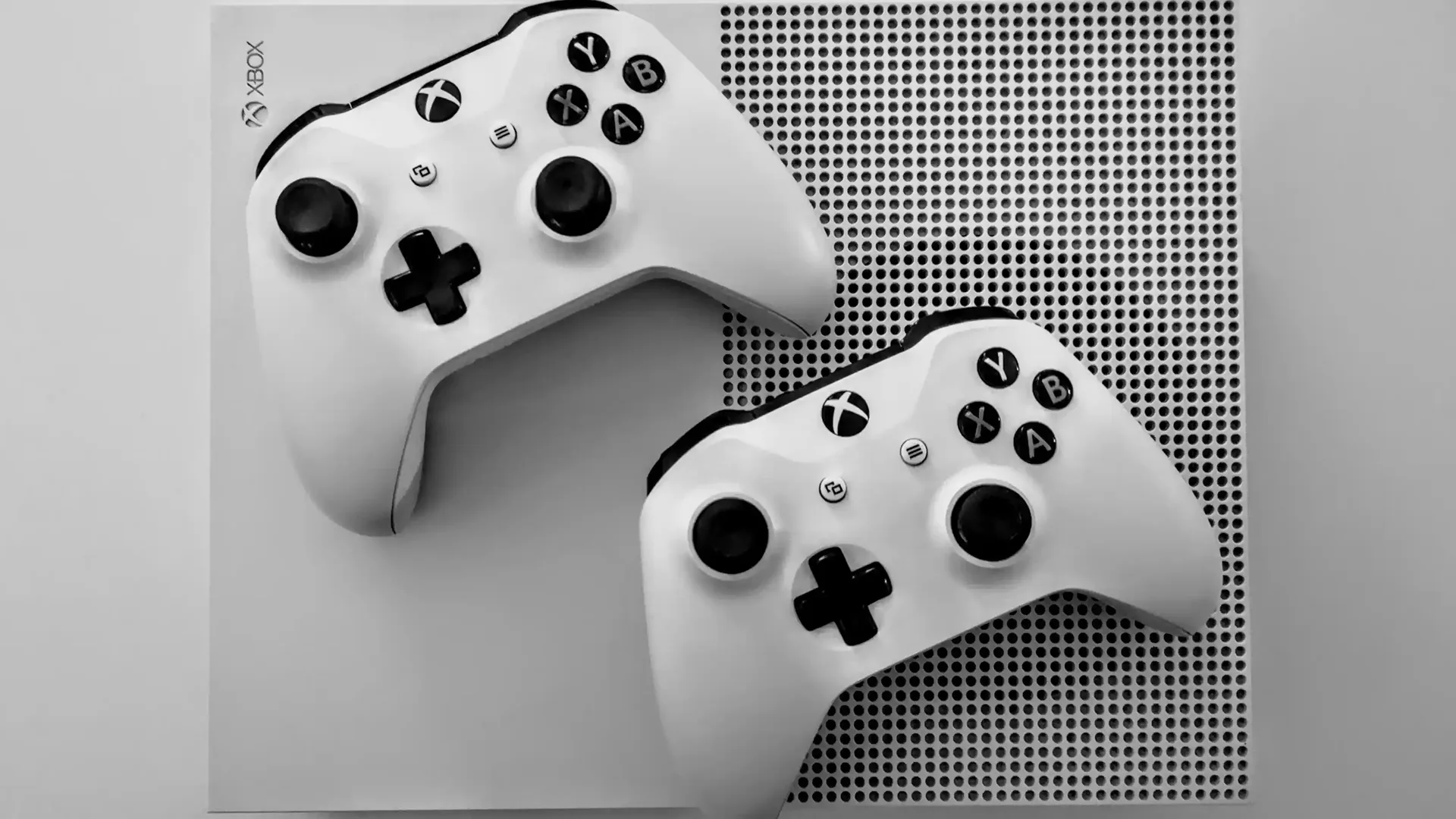 Buying guidePlayStationXboxNintendoPC
Which console should you buy in 2026?
PS5, Xbox, Switch 2, Steam Machine or handheld in 2026: choose by how you play, with official Spain prices in euros and what each ecosystem offers.
Buying guide7 min read
 HaloBuying guidePCPlayStationXbox
Halo: where to start and what to buy
With Halo Campaign Evolved already out, we map the series: trilogy, remasters, spin-offs, and where to begin in 2026.
Buying guide6 min read
 Kingdom HeartsBuying guidePCPlayStationXboxNintendo
Kingdom Hearts: where to start and what to buy
With Collection [I~III] on the way and Kingdom Hearts IV announced, we map the series: HD packs, Integrum Masterpiece, and what to buy in 2026.
Buying guide7 min read